Governance, risk and compliance, without spreadsheets
EterShield brings together in one platform what today lives in spreadsheets, emails and several tools, from NIS2 and ISO 27001 to GDPR. We prioritise data sovereignty, auditability and security.
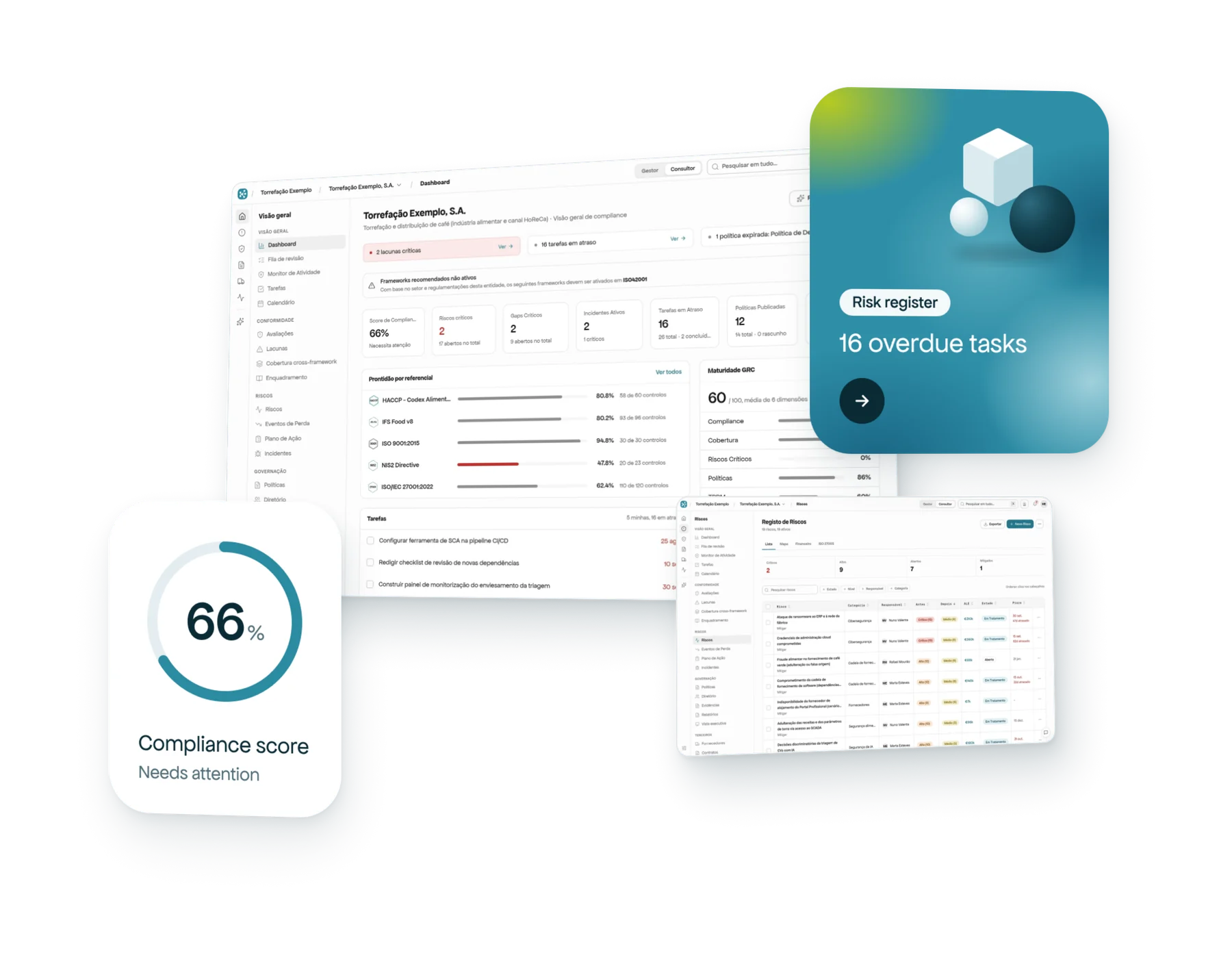
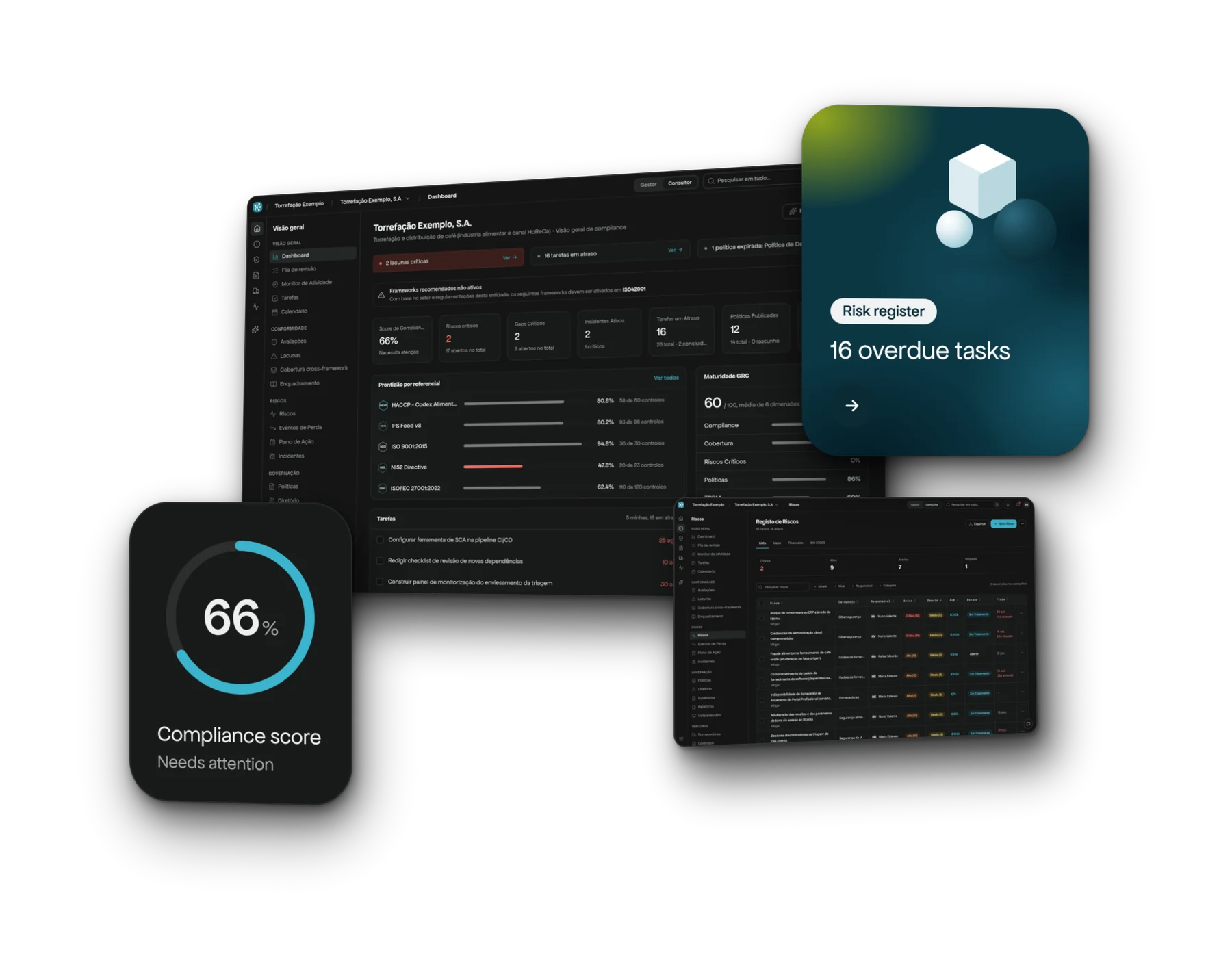
The product, inside
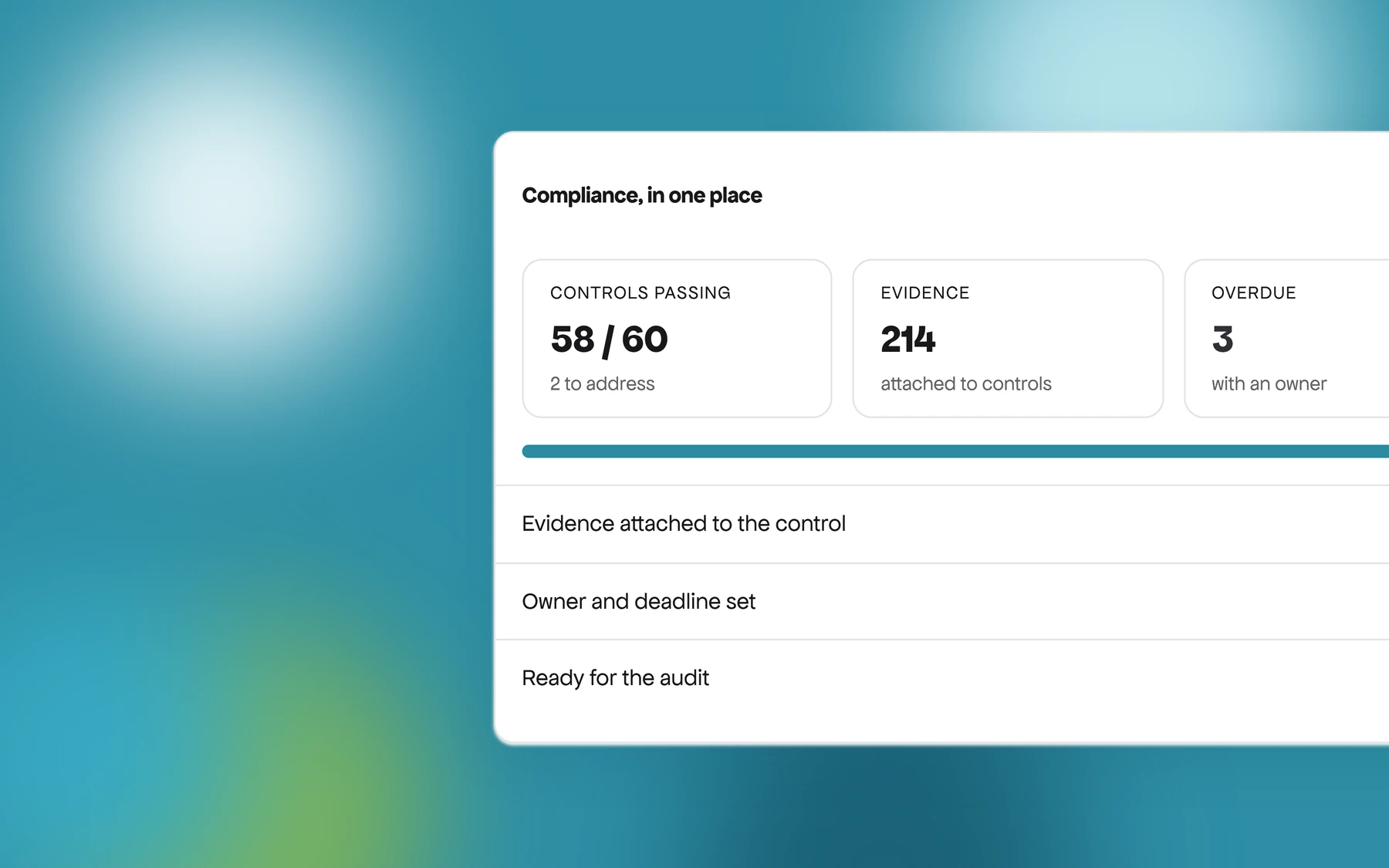
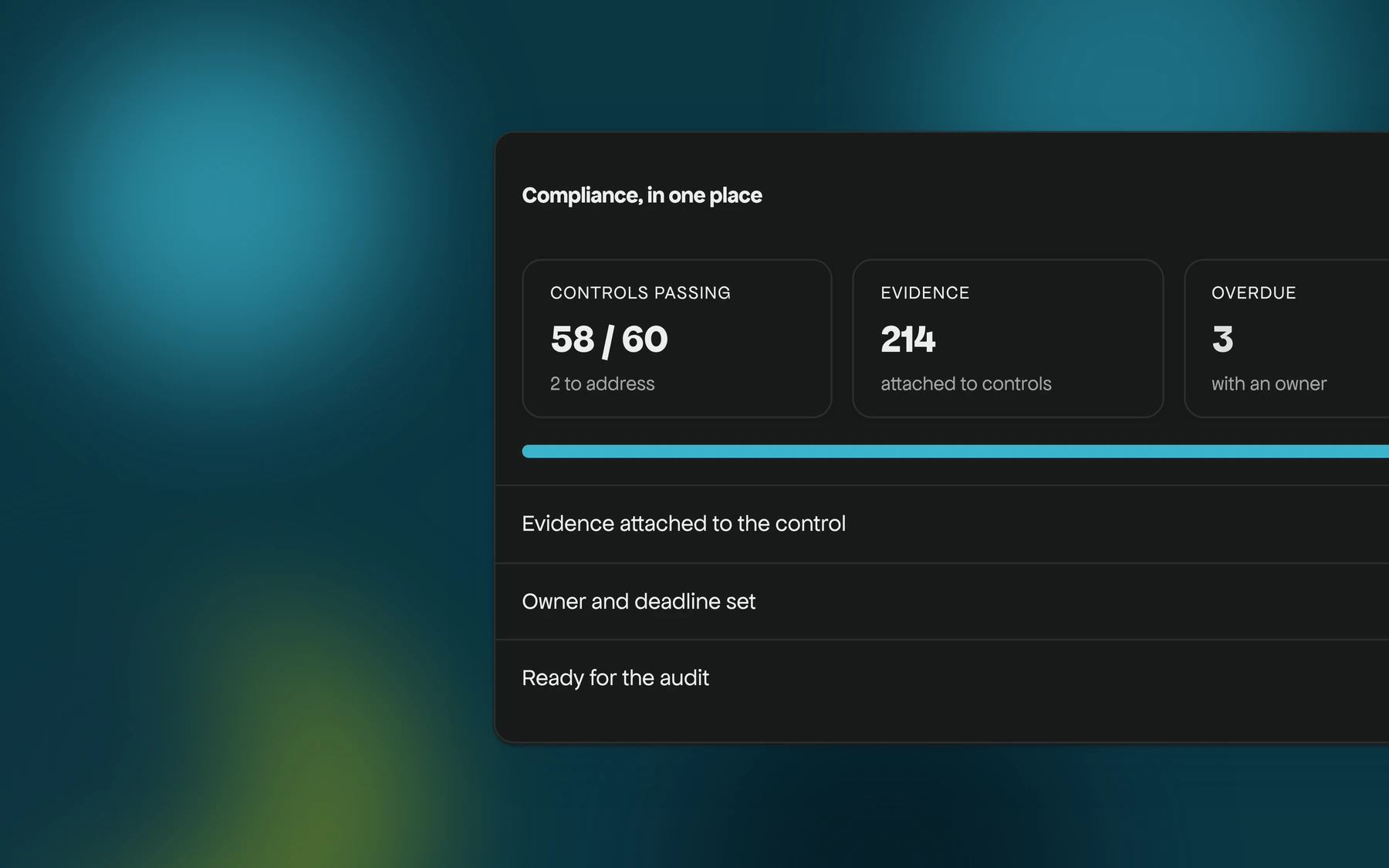
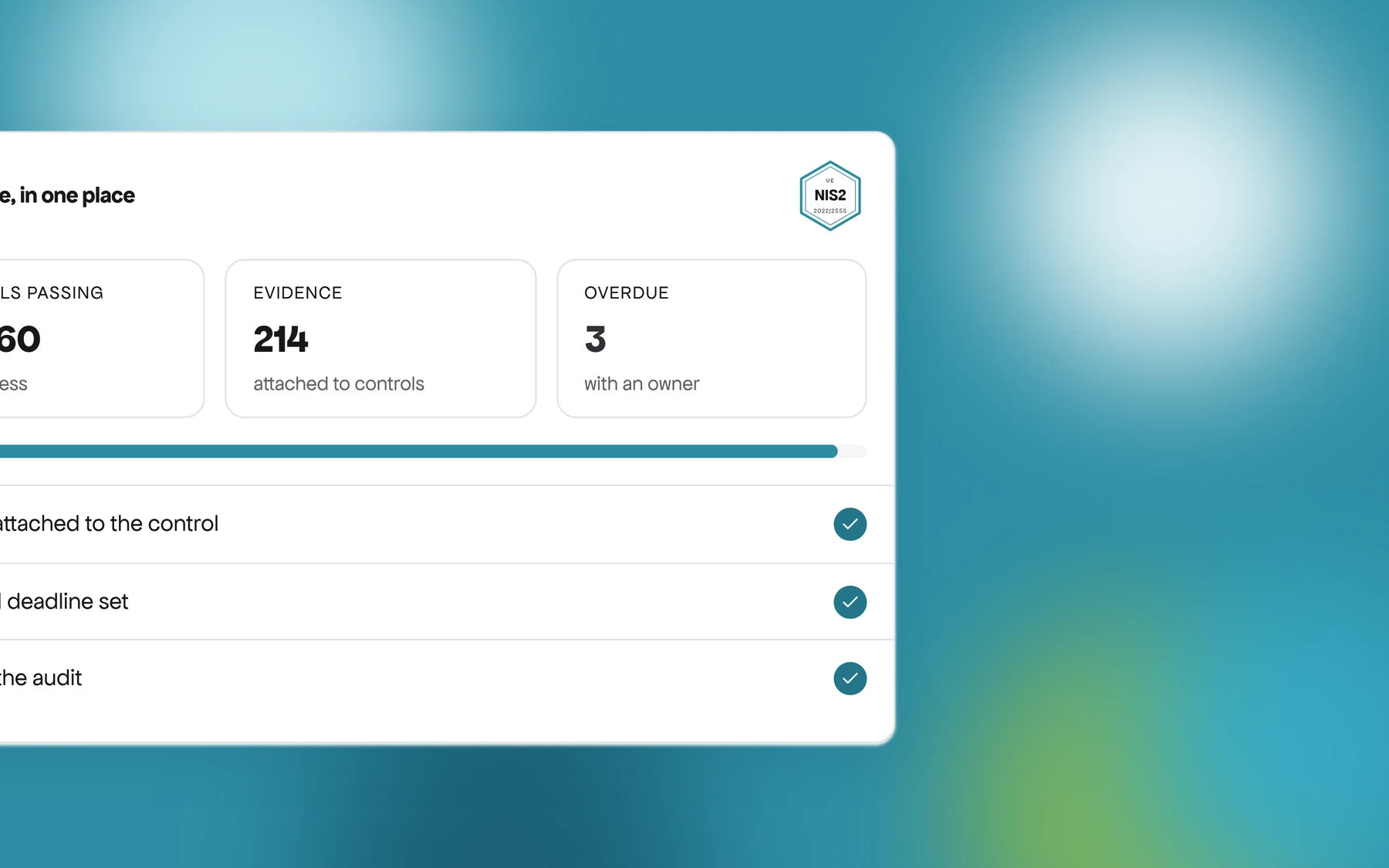
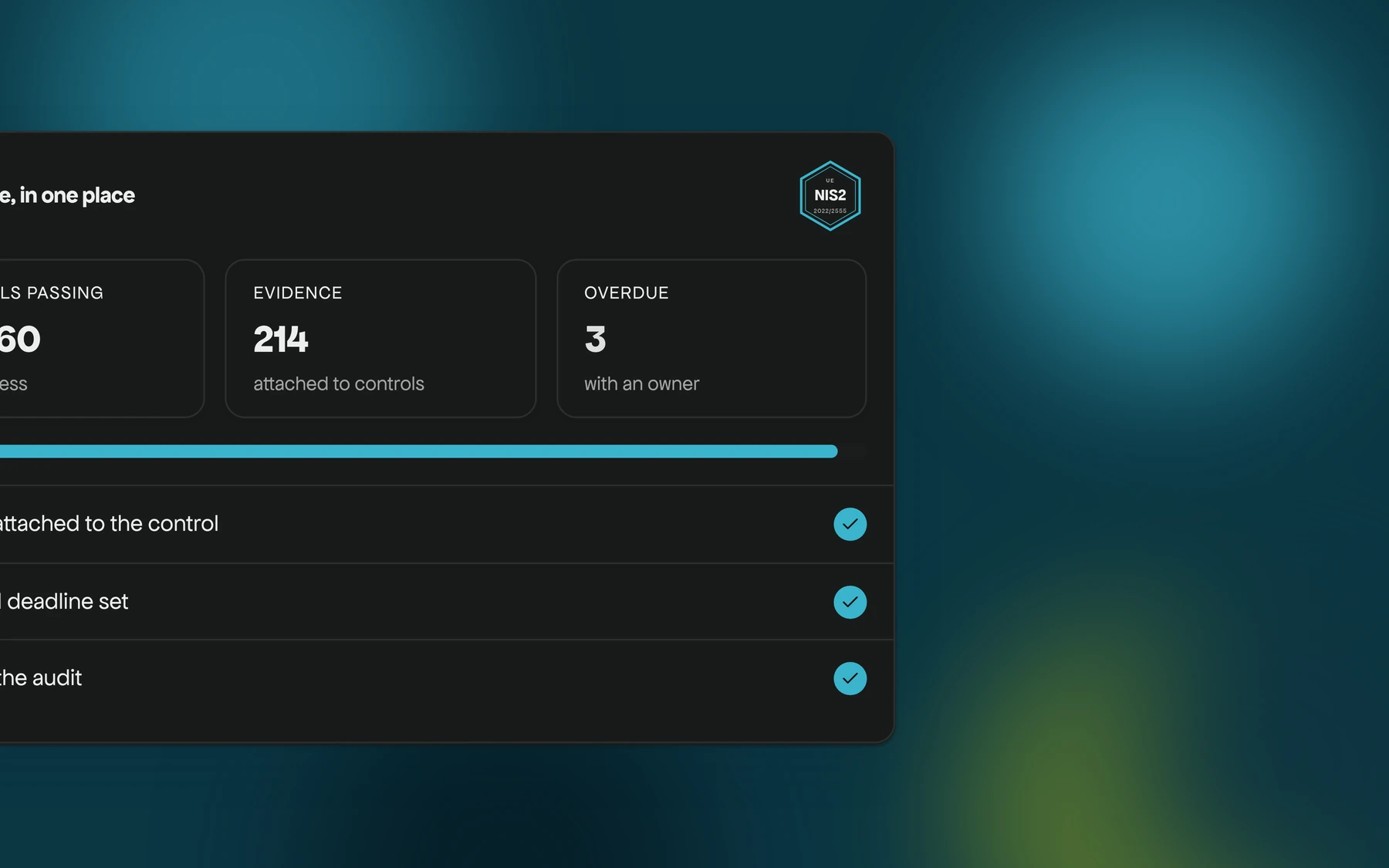
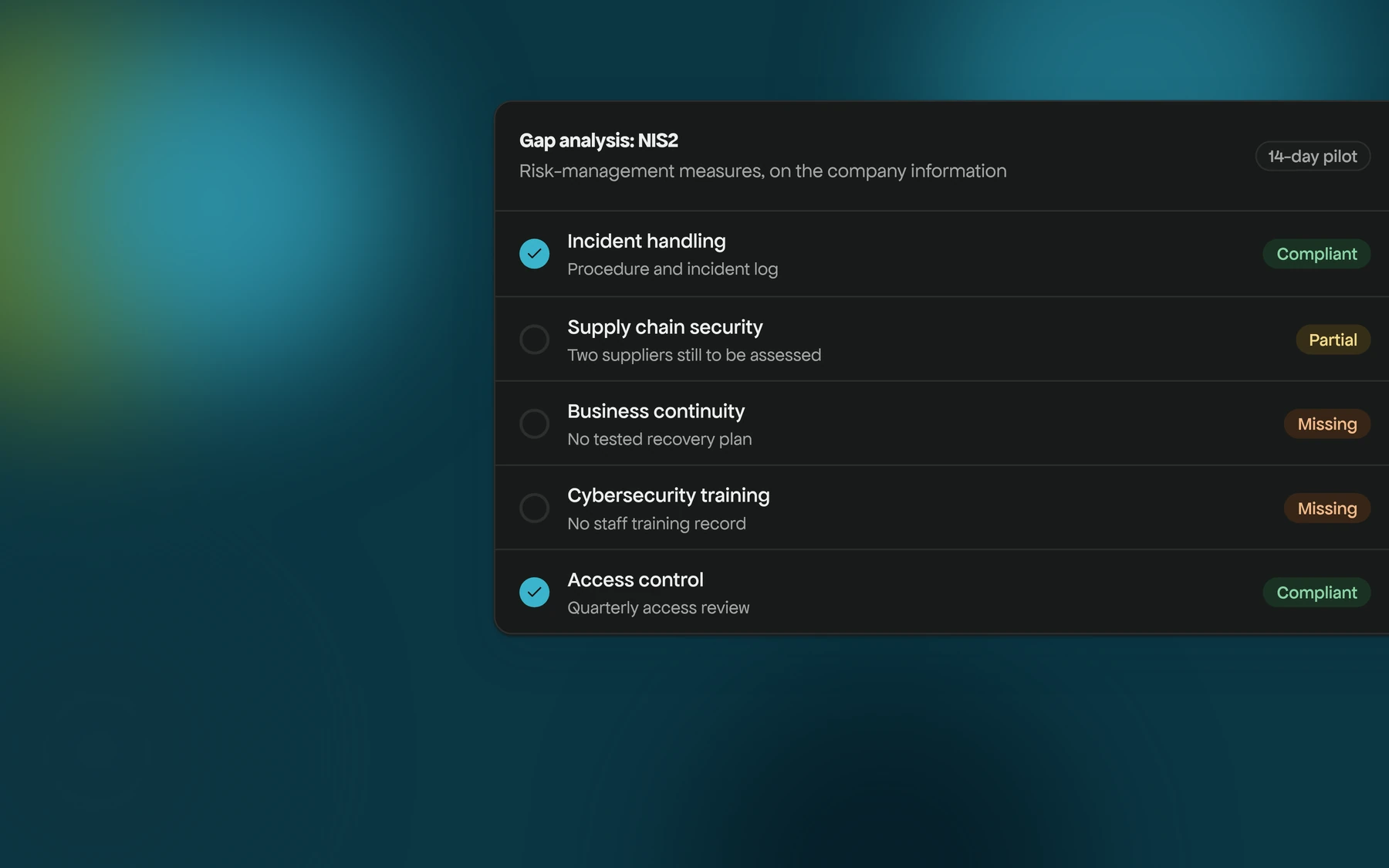
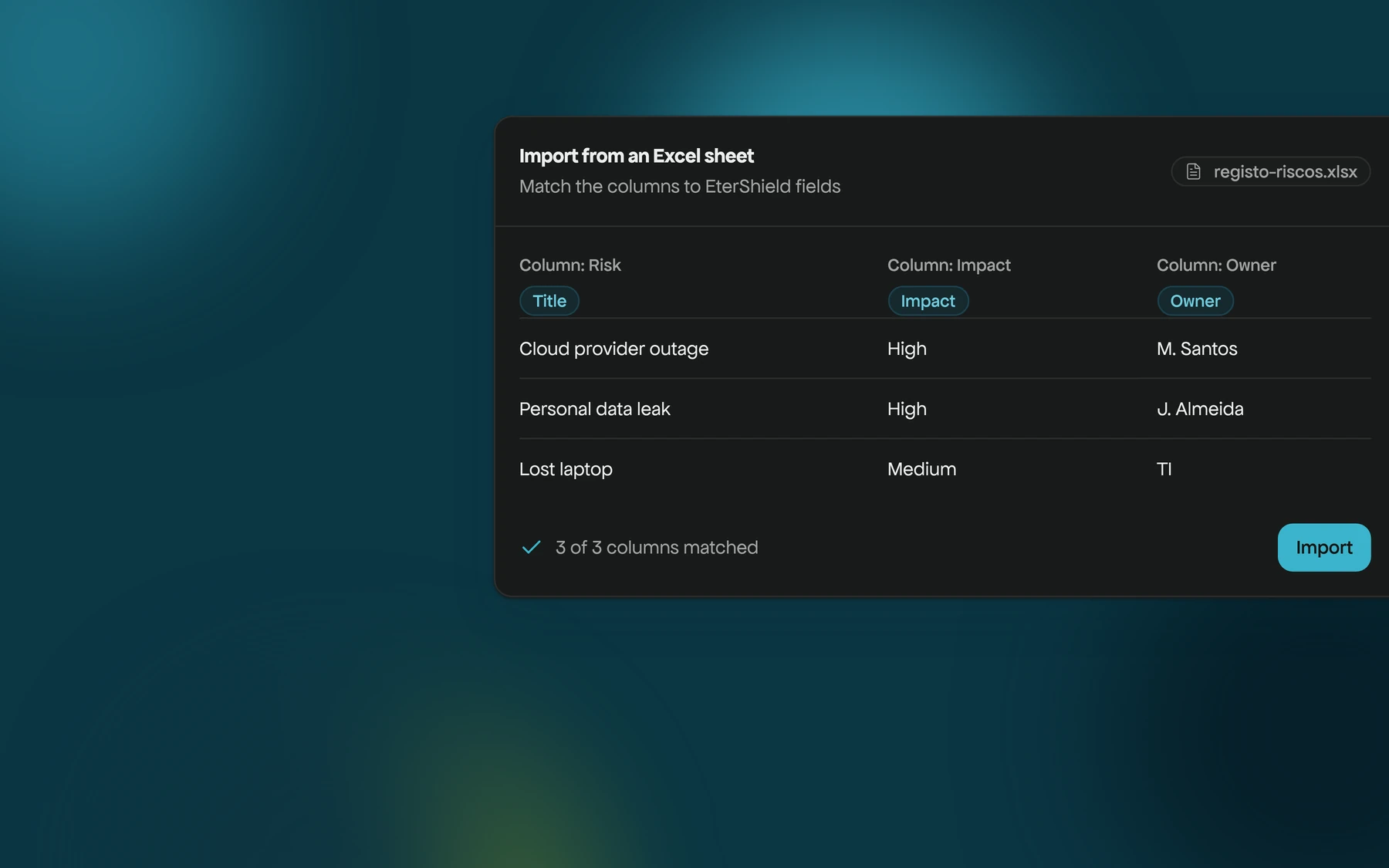
Two real screens of the platform, in a demo organization.
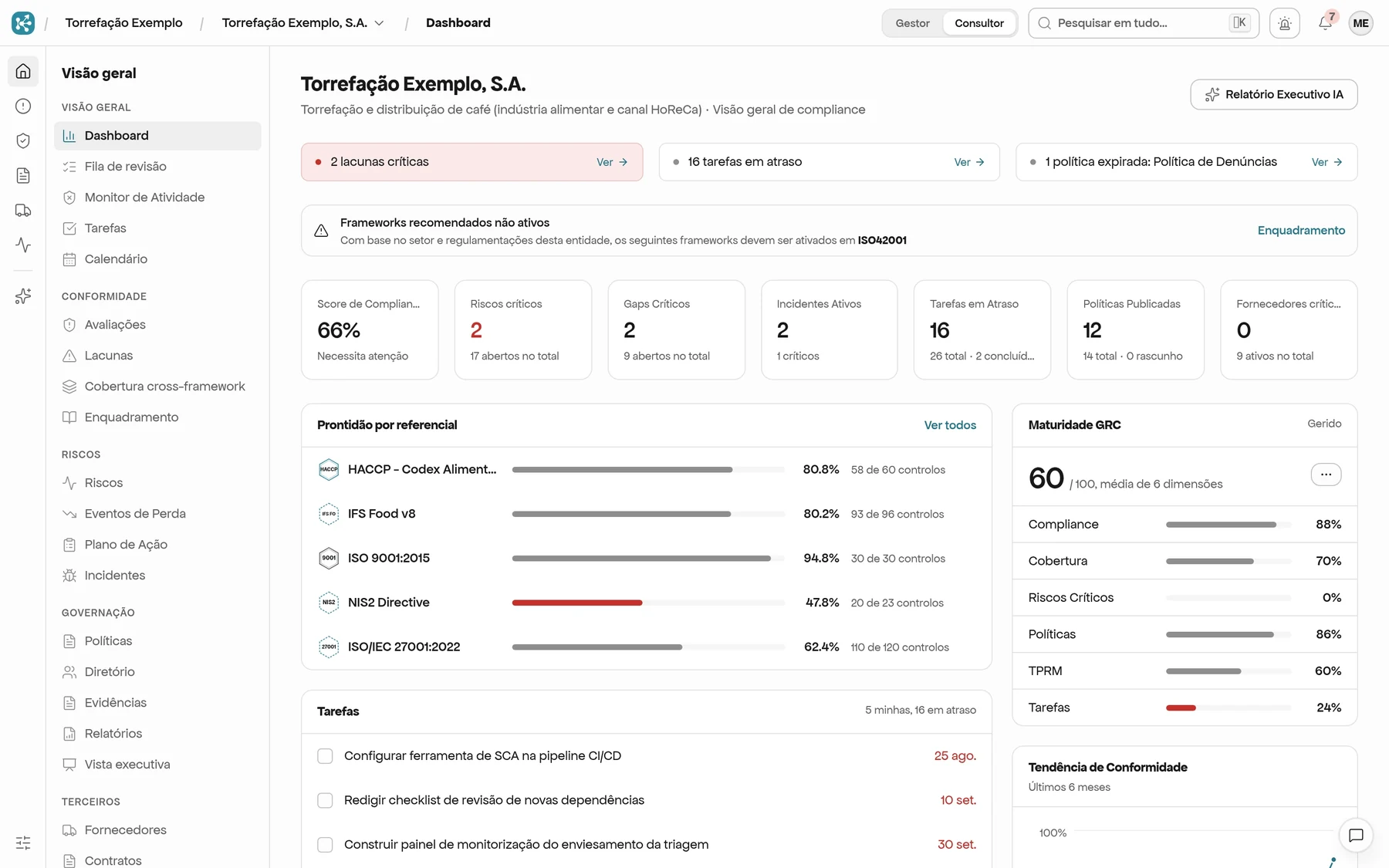
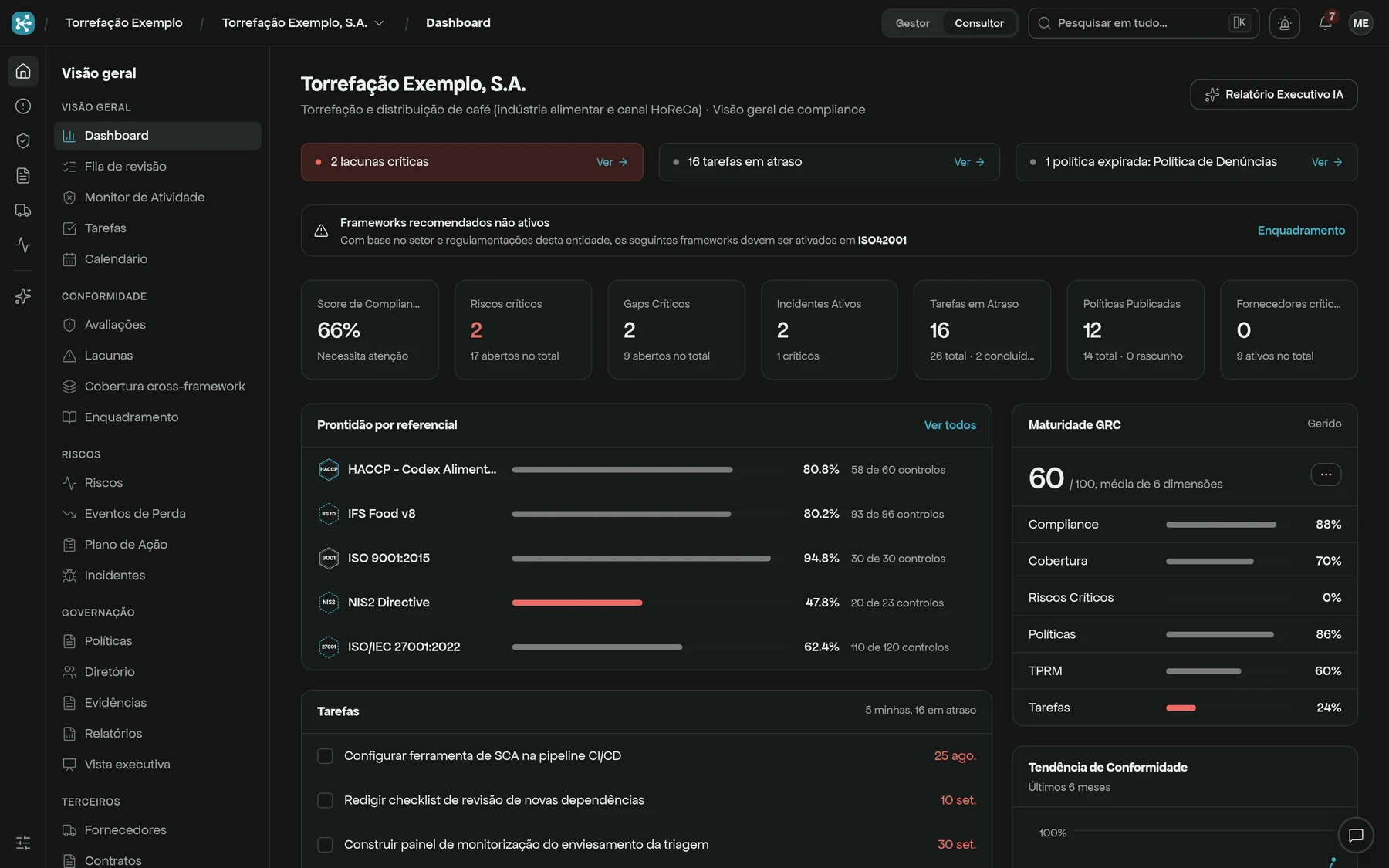
Compliance tends to live in too many places
- 01
Scattered evidence
Meeting minutes, logs and proof sit in emails and folders that only one person can find.
- 02
One sheet per framework
NIS2, ISO 27001 and GDPR ask for similar things, yet each has its own spreadsheet.
- 03
Nobody knows the real status
When the audit arrives, you find out what is missing at the last minute.
Everything in one place, linked together
From asset to risk, from control to evidence, from gap to task: every record links to the next one and the status stays in view.
Controls and gaps
Every framework has controls. What is missing shows as a gap, with its control and guidance.
Learn moreRemediation tasks
Created from the gap, with a description, priority and due date to review.
Learn moreAuditor portal
A read-only link for the external auditor: frameworks, assessments, risks, policies, tests and incidents.
Learn more
How to start
Three steps, each with little commitment.
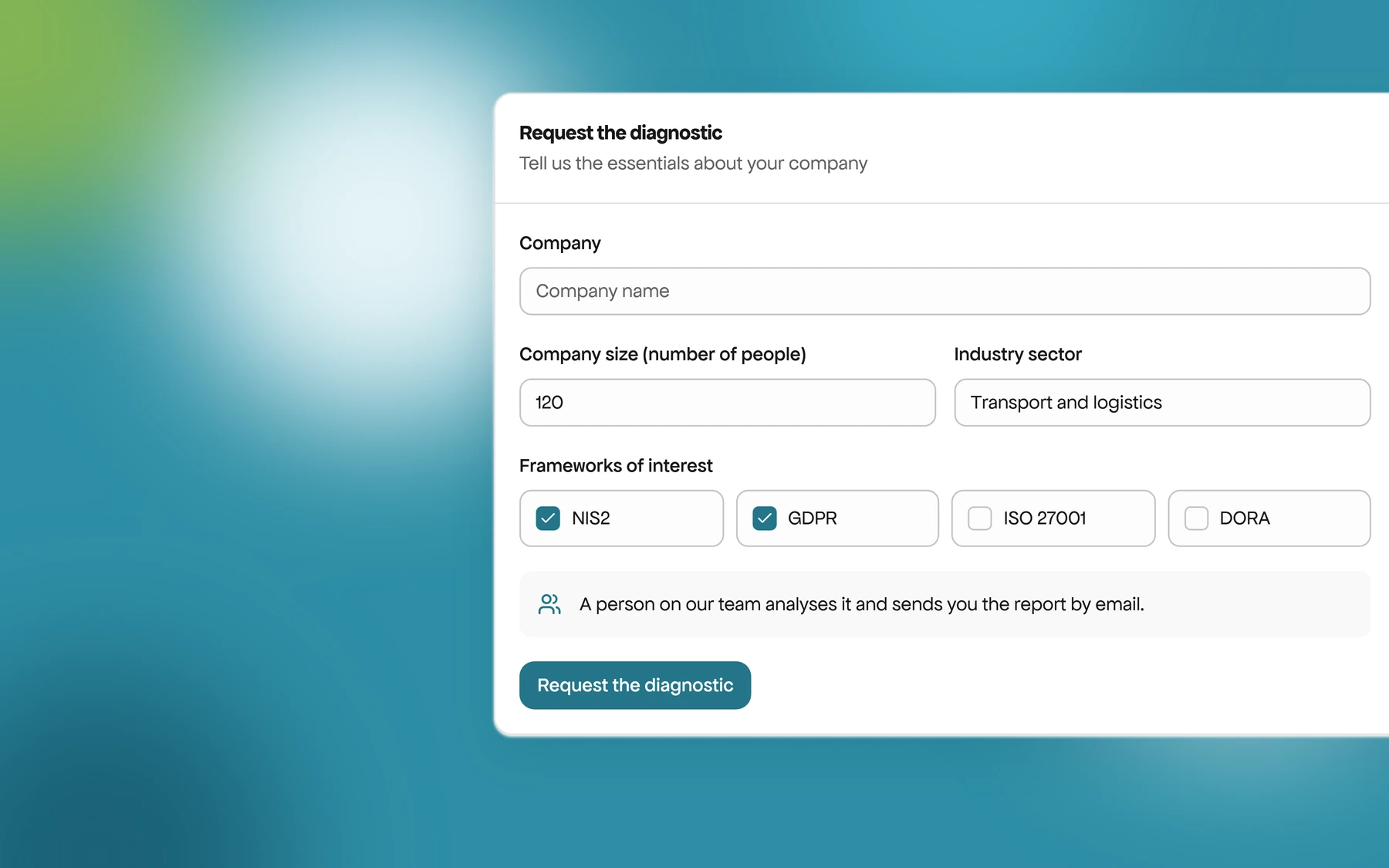
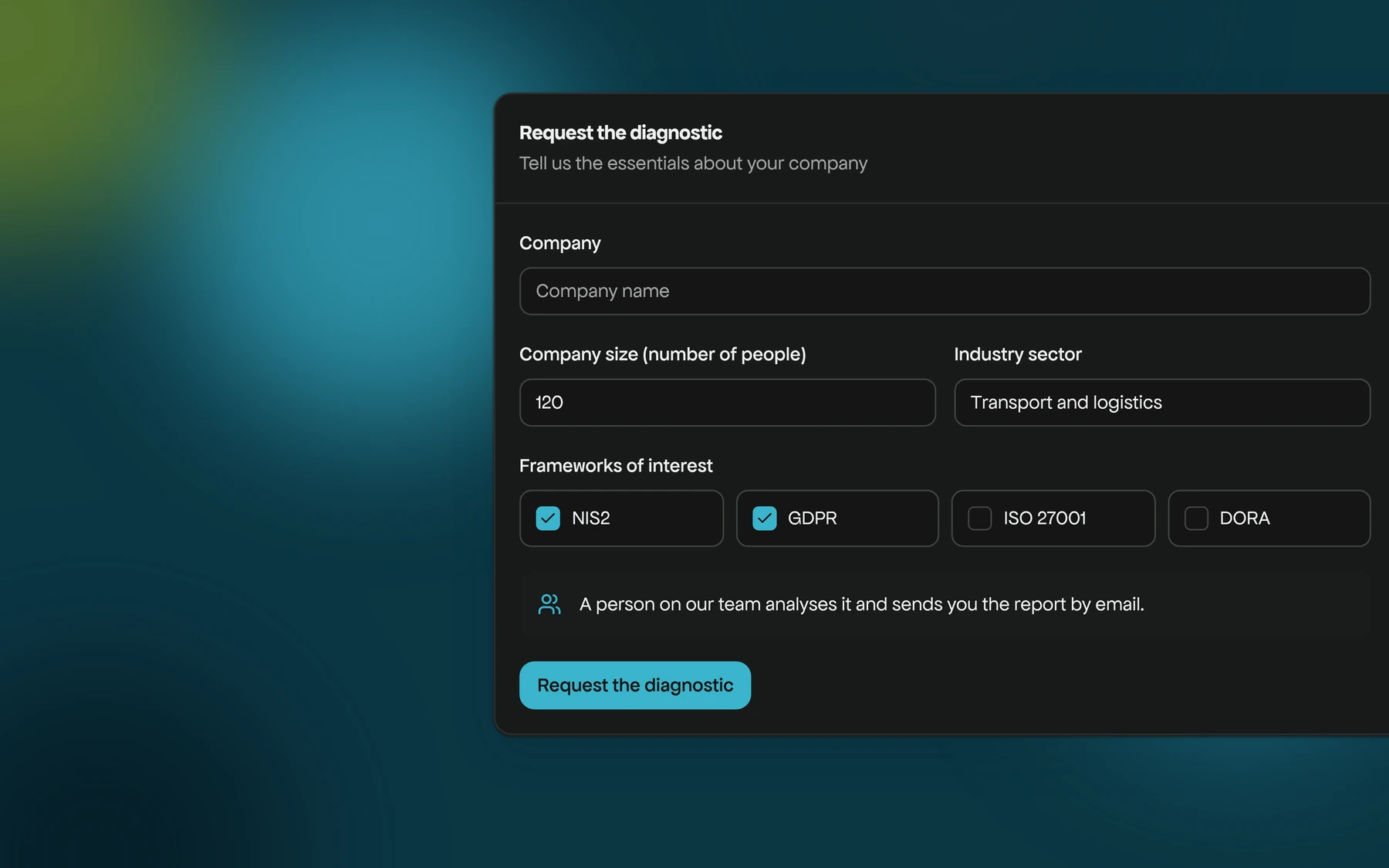
Request the diagnostic on the site: tell us the company, its size, the sector and the frameworks (NIS2, GDPR, ISO 27001 or DORA). A person on our team analyses it and sends you the report. It is free.
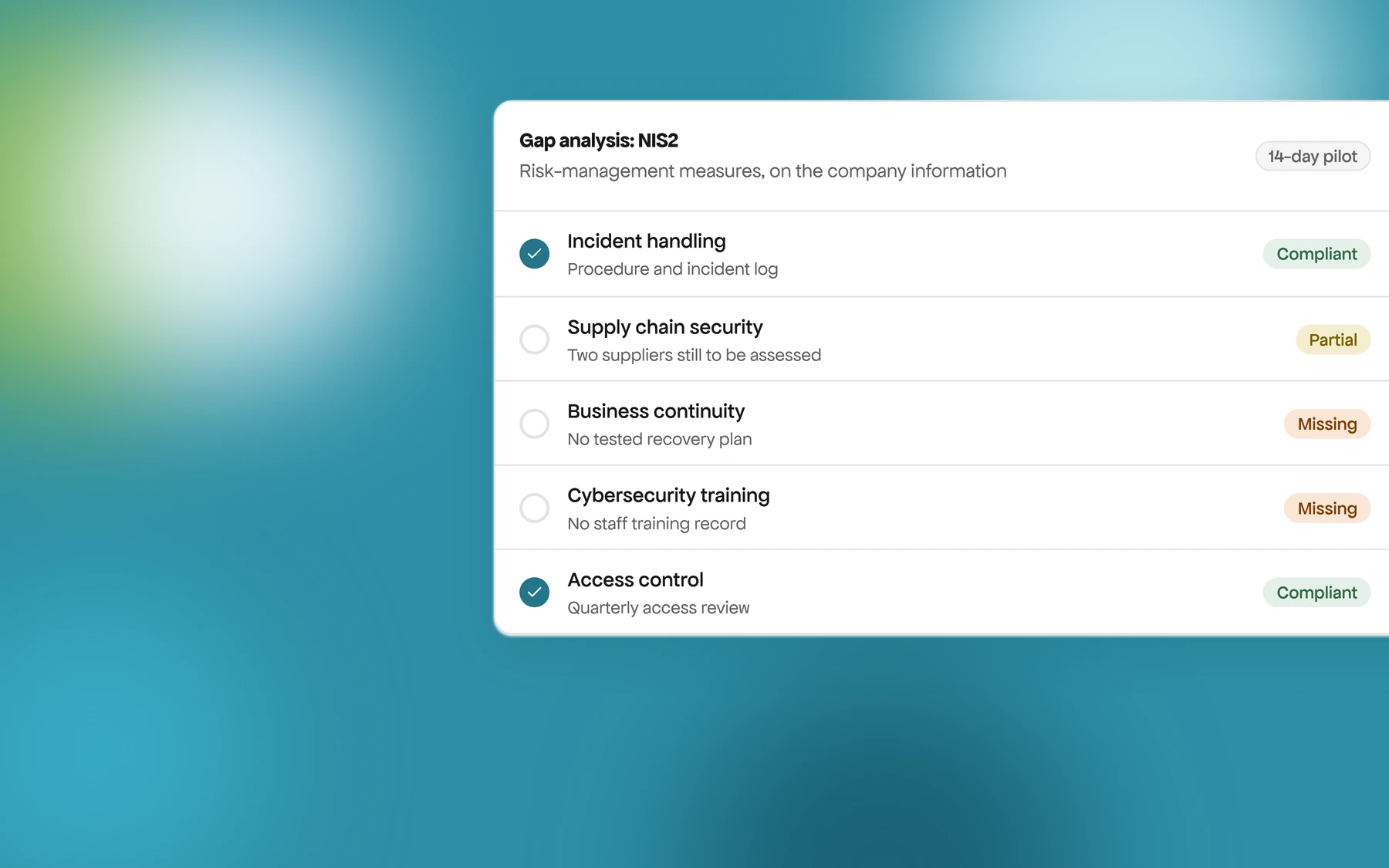
Our team does the gap analysis with you, on your real information.
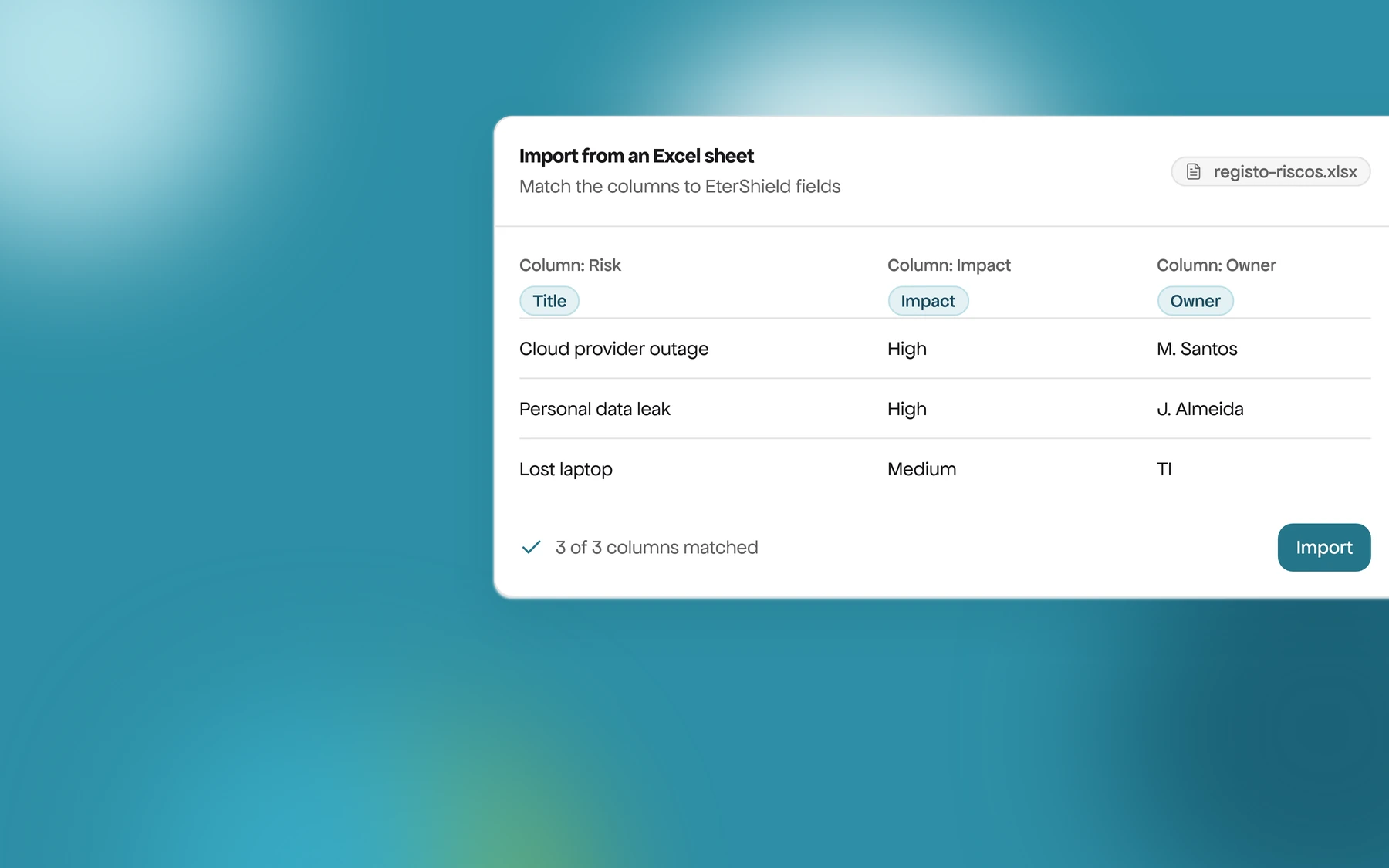
We move what you have in Excel or in your current tool into EterShield. In the pilot, at no cost.
Starter offers
To start with little commitment.
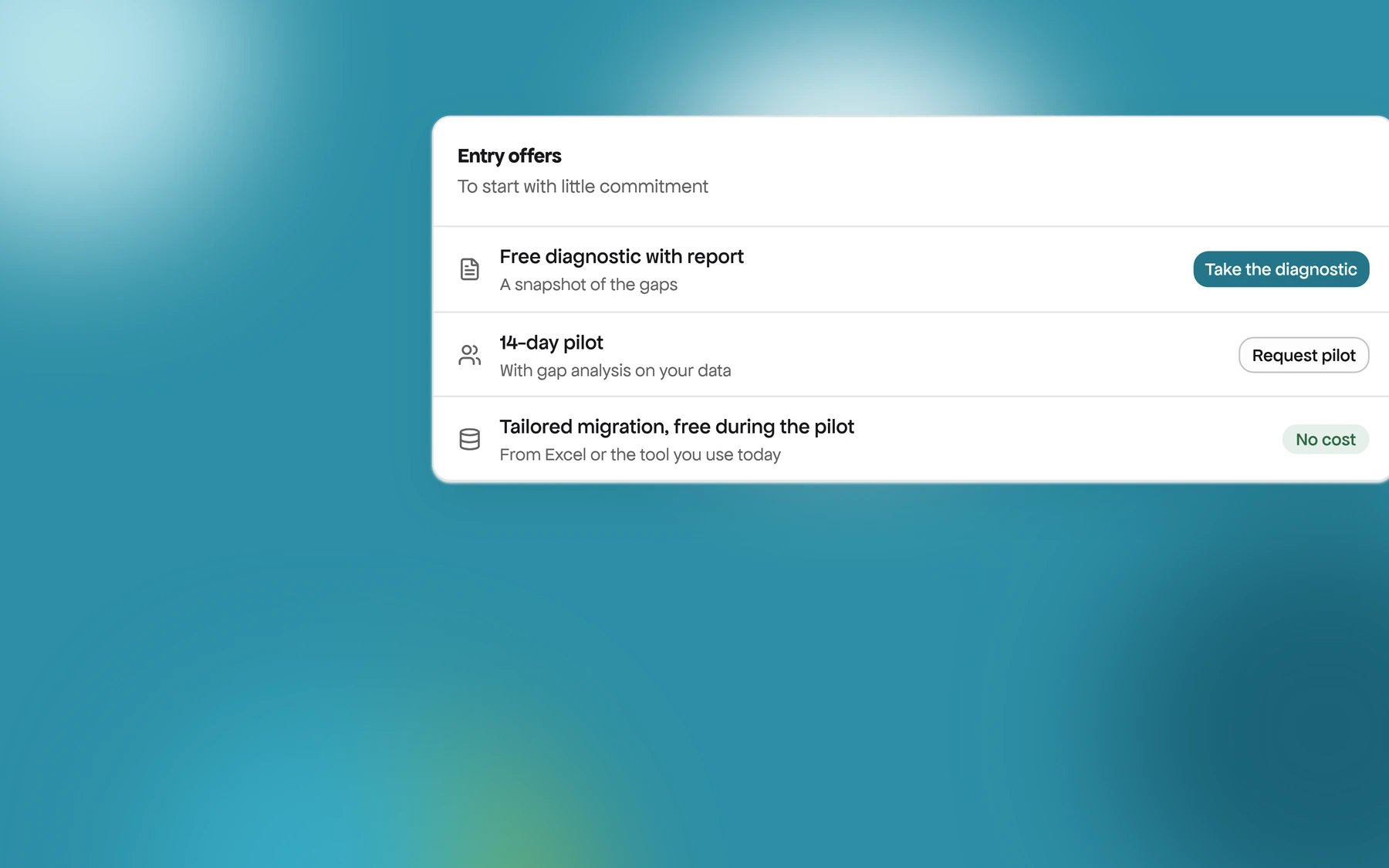
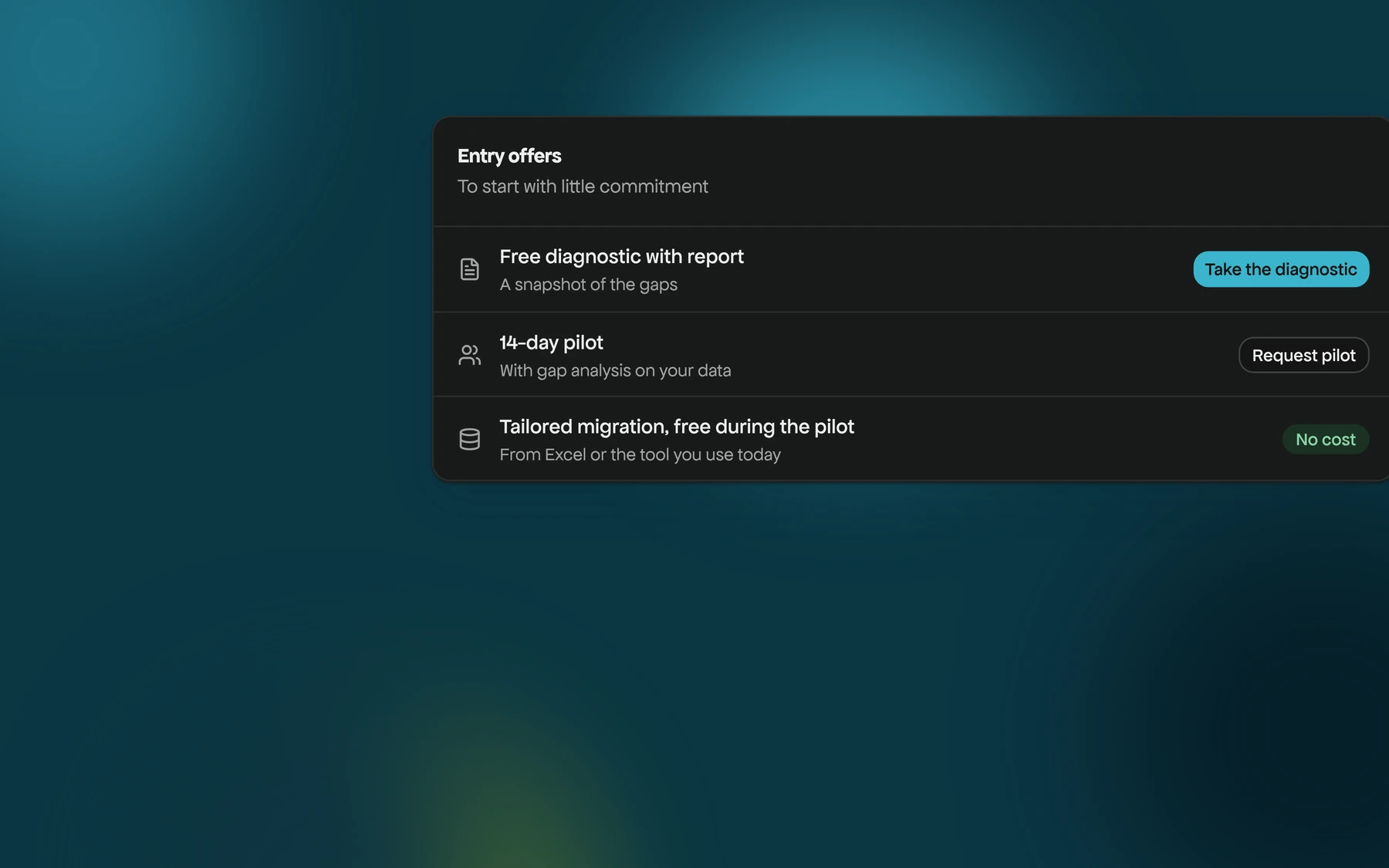
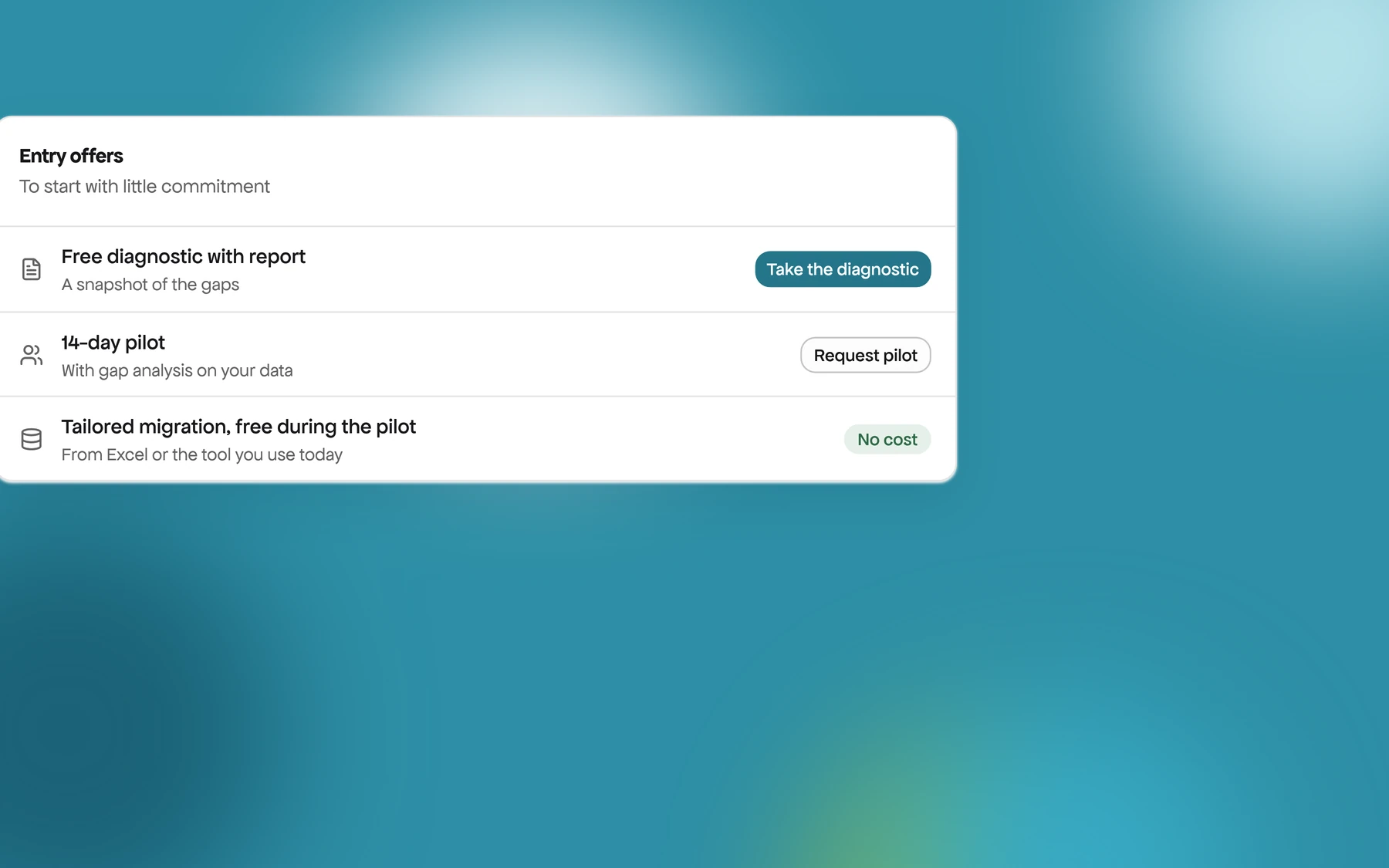
Free diagnostic with report
A picture of your gaps against the frameworks you care about.
14-day pilot
With a gap analysis on your own data.
Tailored migration, free during the pilot
From Excel or the tool you use today.
Frequently asked questions
Does EterShield suit an SME without a security team?
Yes. Use it on your own, with a consultancy, or as a managed service where our team handles compliance with you.
Where does the data live?
We prioritise data sovereignty, auditability and security.
Does artificial intelligence decide for us?
No. AI prepares proposals and analyses, and the decision is yours. In form suggestions and assisted filling, only what you accept is saved. Other analyses are saved marked as AI-generated, for you to review. The administrator can switch AI off.
How much does it cost?
Pricing is on request and depends on the number of users, the modules and the delivery model.
How long does it take to start?
You create the organization and start the first assessment in about fifteen minutes.
What is the difference between the free trial and the pilot?
The 14-day free trial is self-service: you create the account with no card and try it on your own. The 14-day pilot includes the gap analysis and migration done by our team.
See where your compliance stands this week
Start with the free diagnostic or book a demo with the frameworks you care about.